
Best Gaming Mouse Under ₹500 in India (2026) – Top Budget Gaming Picks

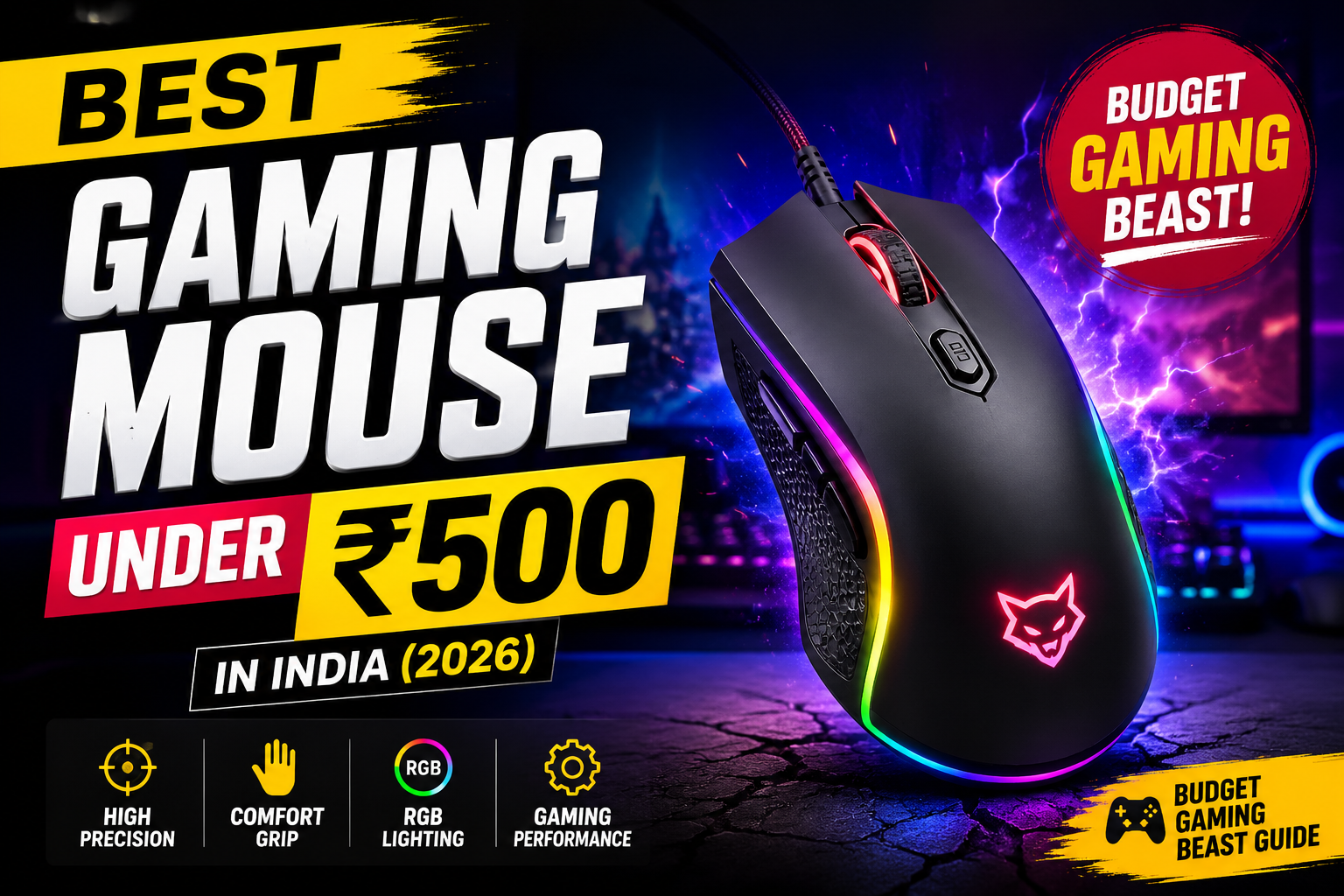
Finding the best gaming mouse under ₹500 may sound impossible, but in 2026 there are several budget gaming Mouse that offer surprisingly good performance for casual and competitive gaming. Whether you play BGMI, Valorant, CS2, GTA V, Minecraft, or Free Fire on PC, a decent gaming mouse can improve your aim, comfort, and overall gaming experience.
Most users think a gaming mouse is only about RGB lights, but the real factors that matter are sensor accuracy, DPI adjustment, grip comfort, button durability, and responsiveness. Even in the budget segment, some gaming mice perform much better than normal office mice.
In this article, we tested and researched the best budget gaming mouse options available on India under ₹500 so you can buy the right one without wasting money.
Read More: Best sunscreen in India
Overall Best Gaming Mouse Under ₹500
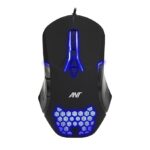
Ant G30 Gaming Mouse
Why We Recommend It
The Ant G30 is currently one of the best gaming mice under ₹500 because it offers the perfect balance of gaming looks, comfort, and performance. The ergonomic design feels comfortable during long gaming sessions, while the adjustable DPI settings help improve aiming in FPS games.
The RGB lighting also gives a premium gaming setup feel without increasing the price too much.
Pros
- Adjustable DPI settings
- RGB backlit design
- Comfortable grip
- Responsive buttons
- Great value for money
Cons
- Not ideal for professional esports
- Plastic quality is average
Best For
BGMI, Valorant, Minecraft, GTA V, and casual gaming.
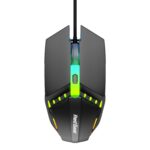
Redgear A-10 Wired Gaming Mouse
Why We Recommend It
Lightweight RGB gaming mouse with durable design and adjustable DPI suitable for beginner gamers.
The Redgear A-10 is one of the most popular budget gaming mice in India. It is lightweight, easy to control, and perfect for beginner gamers switching from a normal office mouse.
The mouse offers decent tracking performance and comfortable clicks. If you mainly play FPS games or fast-paced games, the lightweight design can help improve movement speed.
Pros
- Lightweight design
- RGB lighting
- Good click response
- Comfortable for long use
Cons
- Build quality is basic
- Cable quality could be better
Best For
FPS gaming and beginner gaming setups.
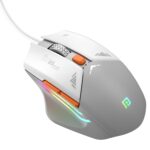
Portronics Vader Wired Gaming Mouse
Why We Recommend It
Stylish RGB gaming mouse with ergonomic grip and decent tracking performance for budget gamers.
If your priority is aesthetics and RGB lighting, the Portronics Vader is one of the best choices in this budget. The design looks modern and premium compared to many ultra-budget gaming mice.
The tracking performance is decent for casual gaming, and the grip feels comfortable for most users.
Pros
- Attractive RGB lighting
- Stylish gaming design
- Comfortable grip
- Affordable pricing
Cons
- Average sensor performance
- Not for hardcore esports players
Best For
RGB gaming setups and casual gamers.
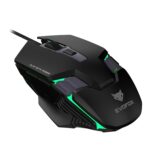
EvoFox Starter Series Spectre Gaming Mouse
Why We Recommend It
Ultra-budget gaming mouse with RGB lighting and adjustable DPI suitable for entry-level gaming.
The EvoFox Spectre is a good entry-level gaming mouse for users who want gaming features without spending much money. It includes RGB lighting, adjustable DPI, and decent click response.
For under ₹300, it is one of the best gaming accessories you can buy for a beginner setup.
Pros
- Very affordable
- RGB lighting
- Adjustable DPI
- Good for beginners
Cons
- Basic build quality
- Sensor not suitable for competitive gaming
Best For
Students and budget gamers.
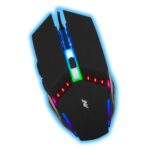
Ant G20 Gaming Mouse
Why We Recommend It
Budget-friendly wired gaming mouse with RGB lighting and ergonomic design for casual gaming.
If your budget is extremely tight, the Ant G20 is still a better option than buying a regular office mouse. It provides gaming aesthetics, responsive clicks, and decent tracking performance at a very low price.
Pros
- Extremely affordable
- RGB lighting
- Comfortable shape
- Good value
Cons
- Average durability
- Limited advanced features
Best For
Entry-level gaming setups.
Things To Consider Before Buying a Gaming Mouse Under ₹500
1. DPI Settings
DPI determines mouse sensitivity. Higher DPI means faster cursor movement. For gaming, adjustable DPI is useful because different games require different sensitivity levels.
2. Grip Style
Choose a mouse according to your hand size and grip style:
- Palm Grip
- Claw Grip
- Fingertip Grip
Comfort matters a lot during long gaming sessions.
3. RGB Lighting
RGB does not improve performance, but it definitely improves your gaming setup aesthetics.
4. Build Quality
Budget gaming mice usually use plastic bodies, so check button quality and cable durability before buying.
5. Wired vs Wireless
Under ₹500, wired gaming mice perform much better than wireless options because they offer lower latency and better response time.
Are Gaming Mice Under ₹500 Worth Buying?
Yes, absolutely. If you are currently using a regular office mouse, switching to a gaming mouse under ₹500 can improve your gaming experience significantly.
You get:
- Better grip
- Faster response
- Adjustable DPI
- Gaming aesthetics
- Extra comfort
However, don’t expect professional esports-level performance in this budget range. For competitive gaming, higher-end gaming mice perform much better.
Final Verdict
If you want the best overall gaming mouse under ₹500, the Ant G30 is currently the strongest choice because it offers balanced performance, RGB lighting, and comfortable ergonomics.
If you want:
- Best lightweight mouse → Redgear A-10
- Best RGB setup mouse → Portronics Vader
- Cheapest good gaming mouse → EvoFox Spectre
- Best ultra-budget option → Ant G20
For most users, any of these gaming mice will be a huge upgrade over a normal office mouse.
